

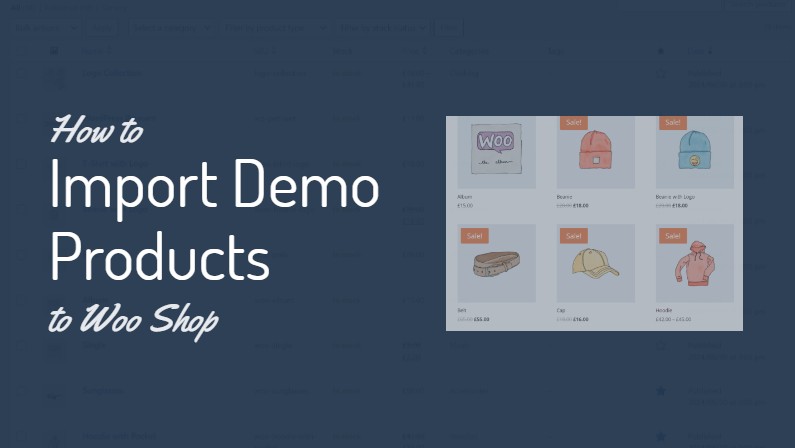
Setting up a new WooCommerce store can be exciting, but populating it with products from scratch can be time-consuming. Especially if you are a web designer who just wants to design the website.
Fortunately, WooCommerce offers a simple solution: importing sample data. This process allows you to quickly import demo products to woocommerce shop, making it easier to test layouts, functionality, and overall design.
Also Read: How To Change “Add To Cart” Button Text in DIVI Theme
Watch: How to Import Demo Products to WooCommerce Shop
Importing sample data is an excellent way to jumpstart your WooCommerce store or test new layouts without the hassle of manual product entry.
It’s particularly useful for developers, designers, and store owners who want to visualize their shop’s potential quickly.
Remember, once you’re satisfied with your store’s setup, you can easily replace these demo products with your actual inventory.



Leave a Reply